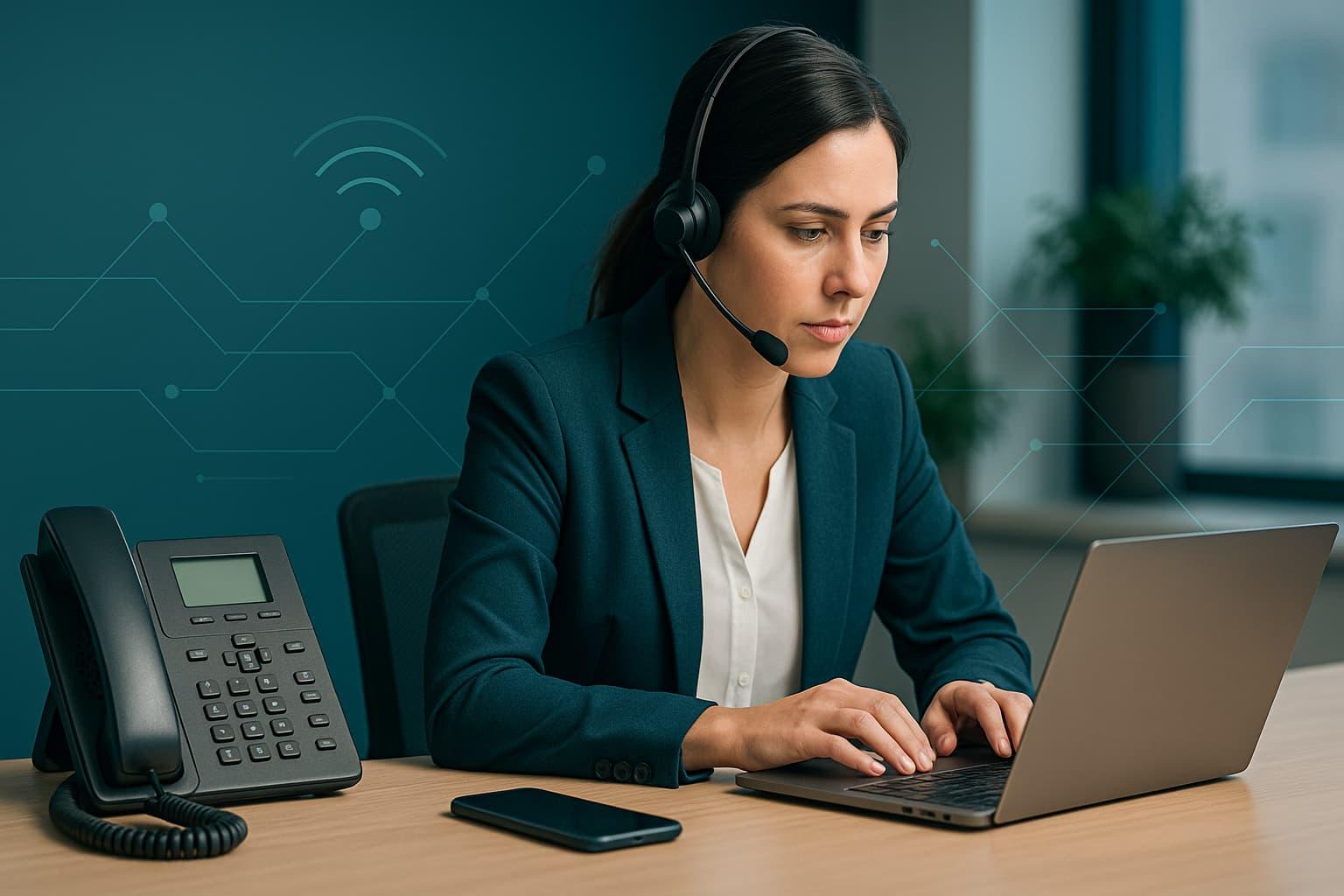
Best Options for Small Business Landlines
How to Buy Business Landlines the Smart Way
If you run a small business, phone calls still matter, for closing deals, supporting customers, and building trust. But "landline" today can mean several things: a traditional copper line, a cloud VoIP seat, a virtual number that rings your mobile, or even a WebRTC softphone in your browser. This guide breaks down the best options, how to compare them, and a simple process to buy business landlines that fit your budget and growth plans. For international calling, consider OwnNumber as your Skype alternative for international calls.
TL;DR: Which option should you pick?
- •Most small teams (2–50 users): Cloud VoIP/Hosted PBX (modern features, easy setup).
- •Solo to micro-business: Virtual numbers that forward to mobile, with IVR and voicemail.
- •You already own a PBX or want tight control: SIP trunking.
- •You must keep analog devices (alarms, gates, fax): Analog line via ATA or a POTS-replacement service.
- •Remote/mobile-first team: Softphones + WebRTC in the browser; desk phones optional.
Option 1: Cloud VoIP / Hosted PBX
Cloud VoIP (sometimes called hosted PBX or UCaaS) gives you business phone service over the internet. You get features like auto-attendants (IVR), call queues, ring groups, call recording, voicemail-to-email, and analytics—without buying a PBX server.
Pros
- • Fast to deploy: Provision numbers in minutes; users can take calls from desk phones, laptops, or mobile apps.
- • Feature-rich: IVR, call routing, business hours, call recording, team voicemail, analytics, and integrations.
- • Scalable: Add or remove users as your headcount changes.
Cons
- • Needs solid internet: You'll want reliable bandwidth and basic QoS.
- • Per-user pricing: Can add up if you create many low-usage extensions.
Best for
Small to medium businesses that want modern features and minimal maintenance.
Practical setup tips
- • Use PoE switches for desk phones to simplify power.
- • Keep headsets handy for agents who live in the softphone.
- • Create a simple IVR ("Press 1 for sales, 2 for support") and add business hours routing on day one.
Option 2: Virtual Numbers + Call Forwarding
A virtual number is a business phone number that forwards calls to your existing mobile or softphone app. You still get professional features like greetings, voicemail, and basic analytics without buying hardware.
Pros
- • Cheapest way to look professional: Great for solo operators and very small teams.
- • Zero hardware: Your mobile is your "desk phone."
- • Port your existing number or pick local/international numbers.
Cons
- • Limited multi-user features: Basic hunt groups and queues may be available, but advanced call center features are rare.
- • Personal/business blending: If you forward to a personal mobile, set boundaries (business hours, separate voicemail).
Best for
Freelancers, consultants, micro-retailers, and field services that need one or a few lines.
Practical setup tips
- • Record a polished greeting and enable business hours so after-hours calls go to voicemail or a message.
- • Tag calls or use a distinctive ringtone so you can tell business calls from personal.
Option 3: SIP Trunking for Your PBX
If you already have an on-premises PBX (or a software PBX like Asterisk/FreePBX), SIP trunking replaces legacy PRI/copper lines with internet-based call routes. You pay for channels (concurrent calls) instead of per-user seats.
Pros
- • Cost control at scale: Great when you have many extensions but limited concurrent calls.
- • Keep existing call flows: Your PBX features remain intact.
- • Flexible numbering: Bring your own numbers and add DIDs as needed.
Cons
- • You manage more: PBX updates, backups, SBC/firewall rules, and failover planning are on you.
- • Network dependence: Redundant internet links are wise.
Best for
Businesses with an existing PBX investment, call centers, or IT teams comfortable managing voice infrastructure.
Practical setup tips
- • Use TLS/SRTP (encrypted signaling/media) and a SIP-aware firewall/SBC.
- • Plan failover: if your PBX is down, forward calls to mobiles or a backup IVR.
Option 4: Analog Lines via ATA or POTS Replacement
Some devices still expect an analog dial tone (alarms, elevators, gates, older fax machines). An ATA (Analog Telephone Adapter) or a POTS replacement device provides that dial tone while the actual call rides the internet or a cellular link.
Pros
- • Bridges old and new: Keep legacy devices working.
- • Simple endpoint: Your analog phones can keep ringing.
Cons
- • Limited features: It's primarily for compatibility, not modern call flows.
- • Power dependency: Ensure battery/UPS for outages, especially for safety systems.
Best for
Sites with legacy hardware or compliance needs (e.g., alarm panels that must dial out).
Practical setup tips
- • Put ATAs on a UPS and test emergency dialing regularly.
- • For safety devices, consider a cellular-backed POTS replacement.
Option 5: Mobile-First & WebRTC Softphones
If your team is distributed or rarely sits at a desk, a mobile/softphone-first setup may be perfect. Users make/receive calls from a browser or app, with the same business number and rich routing as desk-based systems.
Pros
- • Work anywhere: Great for hybrid and field teams.
- • Hardware-light: Headsets beat desk phones for many roles.
- • Easy onboarding: New staff can start with a login and an app.
Cons
- • Device discipline: Train staff to use headsets and keep apps updated.
- • Wi-Fi matters: Weak Wi-Fi = choppy audio. Prefer Ethernet where possible.
Best for
Service teams, sales reps, and modern offices that prioritize mobility.
Practical setup tips
- • Standardize on quality headsets and browser versions.
- • Use wired Ethernet for receptionists and high-call-volume roles.
Must-Have Features When You Buy Business Landlines
Core call handling
- • Main number + IVR: Route "press 1 for sales, 2 for support."
- • Ring groups & queues: Ensure no call goes unanswered.
- • Business hours & holidays: Automatic open/closed behavior.
- • Voicemail-to-email/transcript: Faster follow-up.
Reliability & safety
- • E911/emergency calling: Configure accurate location info where applicable.
- • Failover routing: If internet or power fails, send calls to mobile or backup numbers.
- • Call quality SLAs: Ask about uptime commitments and credits.
Security
- • Encrypted voice (TLS/SRTP) and strong admin controls (MFA).
- • Spam/robocall controls and call blocking.
Integrations & analytics
- • CRM pop-ups (e.g., screen pops on incoming calls).
- • Call recording & QA: Useful for training and compliance.
- • Dashboards: Track missed calls, wait times, and agent performance.
Network Readiness Checklist (for VoIP Quality)
- • Bandwidth: Voice is light (≈100 kbps per call), but you need consistent bandwidth during peak times.
- • Latency & jitter: Aim for latency <150 ms and stable jitter; enable QoS on your router.
- • Wired where it counts: Use Ethernet for reception, queues, and call-heavy roles.
- • Separate voice VLAN (optional): Helps isolate and prioritize voice.
- • Power backup: UPS for modem, router, PoE switch, and any ATAs.
- • Redundancy: Dual WAN (fiber + 5G) if phones are mission-critical.
Budgeting: What Will You Spend?
- • Cloud VoIP seats: Typically per-user monthly fees; value increases with included features (minutes, recording, multi-level IVR).
- • SIP trunking: Pay for channels (concurrent calls) and usage. Cost-effective for many extensions but predictable call volume.
- • Numbers: Local, toll-free, and international DIDs may have monthly fees.
- • Calling: Domestic minutes might be bundled; international rates vary by destination.
- • Hardware: Desk phones (optional), headsets (recommended), PoE switches/UPS.
- • One-time costs: Number porting, initial setup, or professional voice recordings (nice touch for IVRs).
Tip: If you have many employees who place few calls, SIP trunking or metered plans can beat per-seat pricing. If each user needs their own voicemail, extension, and integrations, per-seat often wins.
How to Buy Business Landlines in 6 Straightforward Steps
- 1Map your call flows: Main line, sales, support, after-hours, holidays, and any analog device needs (fax, alarms).
- 2Choose your architecture:
- • Simple/fast: Cloud VoIP
- • Solo/lean: Virtual number
- • Existing PBX or complex routing: SIP trunk
- • Legacy devices: ATA/POTS replacement
- • Remote team: Softphone/WebRTC
- 3Pick numbers and plan the port: Decide what to keep, what to add (local, toll-free, international), and set a porting timeline to avoid downtime.
- 4Design IVR & routing: Keep menus short (max two levels), define queues, ring groups, and business hours.
- 5Set up devices & apps: Desk phones where needed; otherwise softphones + headsets. Test on both wired and Wi-Fi.
- 6Train & measure: Teach call transfer, hold etiquette, voicemail best practices, and use dashboards to cut missed calls.
Hardware: Do You Need Desk Phones?
- • Desk phones: Great for receptionists and heavy callers; look for PoE, Gigabit passthrough, and busy-lamp fields.
- • Cordless/DECT: Handy for warehouses, retail floors, and back offices.
- • Softphones + headsets: Often the best combo for most roles; cheaper, portable, and flexible.
- • ATAs: Required only if you must keep analog endpoints.
FAQs
Are landlines "dead" for small business?
Copper POTS lines are fading, but business telephony is thriving, it's just moved to the cloud or to SIP. You still get reliable voice with far more features.
Can I keep my number?
Yes. Number porting lets you move your existing number(s) to your new provider. Plan the cutover and test call routing the same day.
Do I need a desk phone to look professional?
No. Many teams run entirely on softphones + headsets with excellent call quality. Desk phones are optional choose them for roles that benefit from dedicated keys and always-on availability.
What about fax?
Use eFax or a fax-to-email service. If you must keep a physical fax machine, connect it via an ATA configured for T.38 or provider-recommended settings.
How do I handle international customers?
Buy local international numbers (DIDs) where you do business and forward to your team or queues. This boosts pickup rates and trust. For businesses replacing Skype, OwnNumber offers a great Skype alternative for international calls with local numbers worldwide and competitive calling rates.
Final Verdict: The Best Path to Buy Business Landlines
For most small businesses, Cloud VoIP/Hosted PBX is the sweet spot quick to deploy, feature-rich, and scalable as you grow. If you're solo, virtual numberskeep costs minimal while projecting professionalism. Already invested in a PBX or need deep control? SIP trunking is efficient. And if legacy devices need dial tone, ATAs/POTS replacements bridge the gap.
Whichever route you choose, keep it simple: design a clear IVR, route calls to queues or ring groups, enforce business hours, secure your endpoints, and monitor missed calls. With that foundation, you'll buy business landlines that deliver reliability, polish, and measurable ROI without overpaying or overcomplicating your stack.